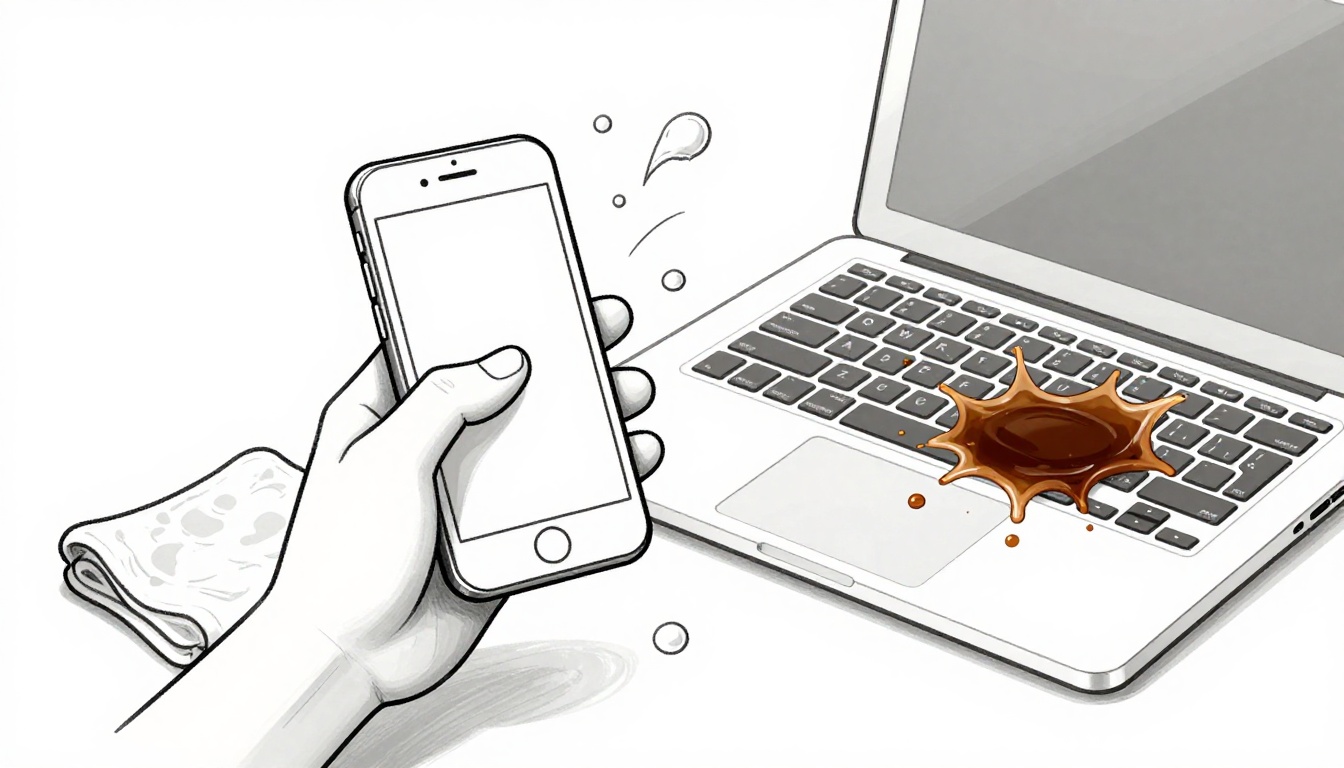
Picture this. You rush through your morning routine and knock your phone into the sink. Or coffee splashes across your laptop keyboard during a work call. These mishaps happen daily.
Water damage tops repair lists for gadgets. The US electronics repair market hit $8.18 billion in 2026. Many fixes stem from spills that could cost you hundreds if mishandled.
Act quick, though, and you boost your odds of saving the device. This guide covers your first moves, smart drying methods, pitfalls to skip, repair signals, hidden risks, and prevention tips.
Act Fast: Your First Steps After the Spill
Time matters most right after water hits your device. Seconds count to stop electricity from mixing with moisture. Follow these steps calmly.
- Turn off the device right away if it’s powered on.
- Unplug it from any charger or outlet.
- Gently shake out excess water from ports and openings.
- Wipe the outside with a soft, dry cloth or paper towel.
Experts agree on this order. Apple’s support page stresses powering down soaked iPhones to avoid shorts. Samsung guides echo the same for their phones.
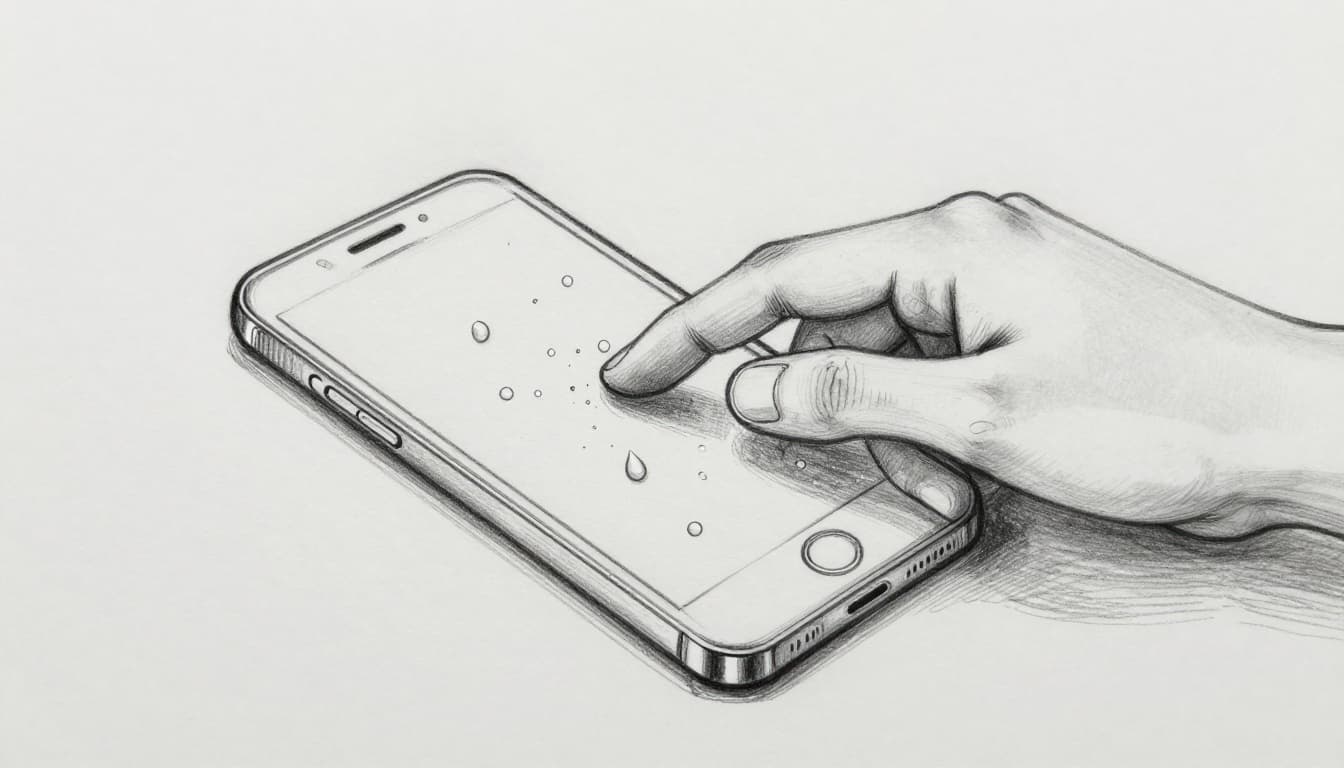
Do not press buttons or try to charge it. That sends current through wet parts. Also skip testing by turning it on. One zap can ruin circuits for good.
Why Turning It Off Saves the Day
Power and water create shorts. Electricity flows where it shouldn’t. This sparks corrosion on tiny boards inside.
Even a brief test powers the system. Wet paths let current jump. Components fry fast. Remove the battery if your device allows it, like some older models. That cuts all power completely.
Heat builds too. Running circuits warm up. Moisture turns to steam. It spreads damage deeper. Shut down first, always.
Shake and Wipe Without Panic
Tilt the device gently. Face ports down. Shake lightly to drain water. Do this over a towel.
Use absorbent cloths next. Paper towels work fine. Avoid rough fabrics. They scratch surfaces.
Pat dry, don’t rub. Rubbing pushes water inside. Focus on openings like USB ports and speakers. Patience here prevents worse issues later.
Dry It Out the Smart Way Without the Myths
Now focus on drying. Place the device in a dry spot at room temperature. Good airflow helps a lot. Aim for 48 to 72 hours minimum.
Use a fan on low nearby. It speeds evaporation without heat. Compressed air clears ports safely. Blow gently at an angle.
Forget quick fixes. They often backfire.
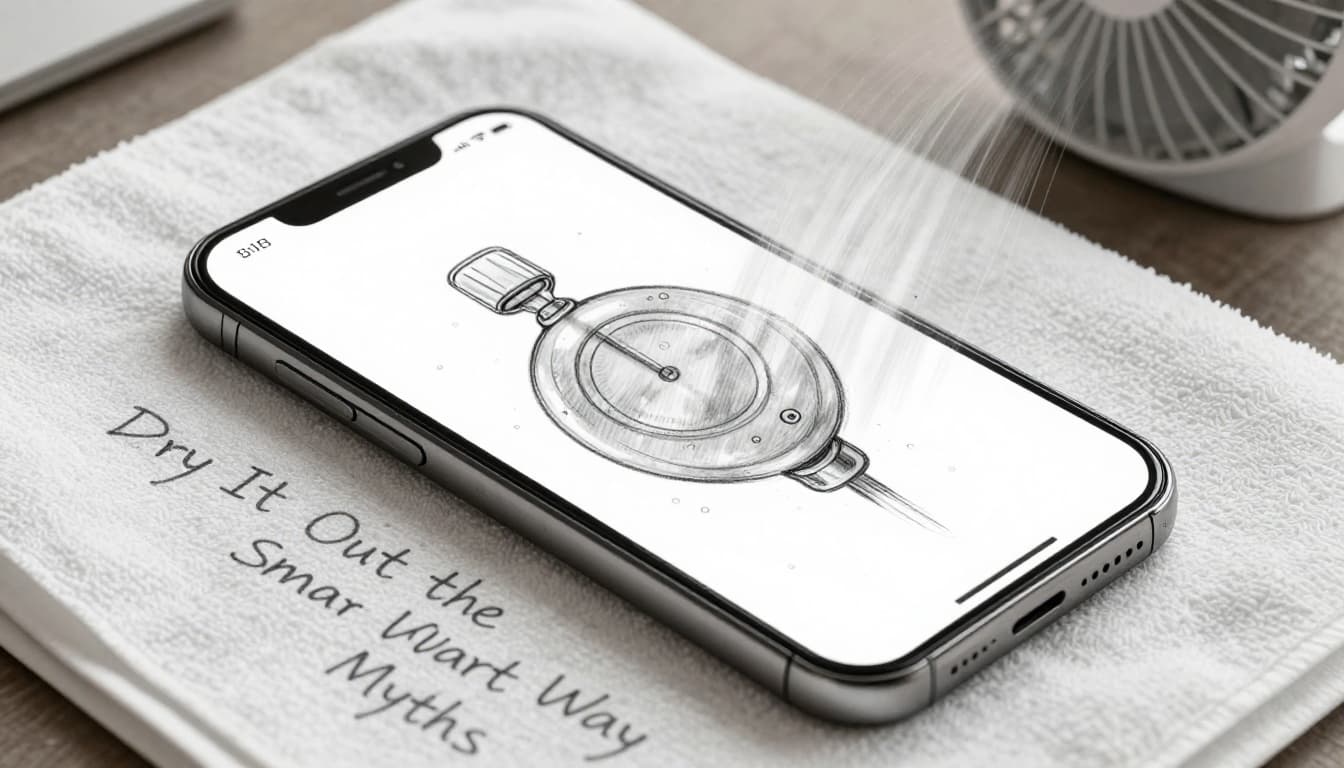
Air drying tops 2026 expert advice. It lets moisture escape naturally.
Top Drying Spots and Tools That Work
Pick an open area. A table near a window or fan suits best. Avoid closed drawers. They trap humidity.
Dehumidifiers help in damp rooms. Canned air pushes water from crevices. Hold the can upright. Short bursts only.
Wait fully before testing. Three days ensures internals dry. Rush it, and residue lingers.
Skip These Common Fails and Old Wives’ Tales
Rice seems helpful but fails. Dust and starch clog ports. They trap moisture instead. iFixit calls it a myth that worsens problems.
Hair dryers push hot air inside. Ovens or microwaves melt parts. Sunlight or hot cars warp plastics. All create condensation.
Stick to air. It works without risks.
Spot Trouble and Know When to Get Help
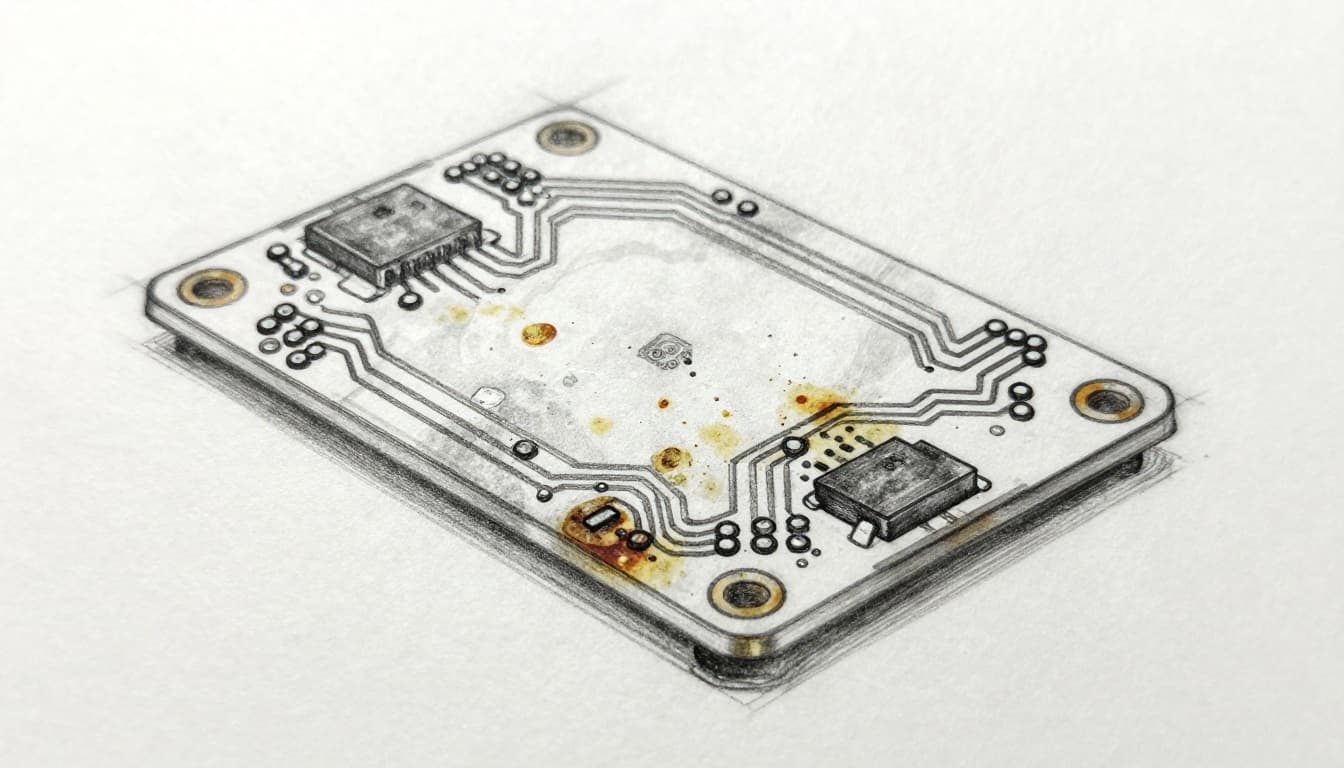
Not all wet devices recover fully. Watch for signs. Corrosion builds quietly.
Short circuits scar boards. Batteries swell from reactions. Fires lurk in bad cases.
Damage shows days or weeks later. Don’t ignore glitches.
Warranties skip water damage. Pros use ultrasonic cleaners for deep fixes.
Hidden Dangers Lurking in Wet Electronics
Rust eats contacts. Mineral deposits block paths. Swollen batteries overheat.
Shorts spark anytime. Data corrupts too. One drop turns permanent without care.
Red Flags That Scream ‘Repair Shop Time’
Head to experts if these appear:
- No power after three days drying.
- Strange smells or smoke.
- Glitches like restarts or lines on screen.
- Bulging battery or excess heat.
- Valuable data you can’t lose.
Check signs of phone water damage for details. Shops save what DIY can’t.
Prevent the Next Splash: Easy Protection Tricks
Stop repeats with simple habits. Use waterproof cases. They seal devices tight.
Keep gadgets from sinks or pools. Store in zip-top bags during rain.
GaN USB-C chargers run cooler. They cut risks if splashed.
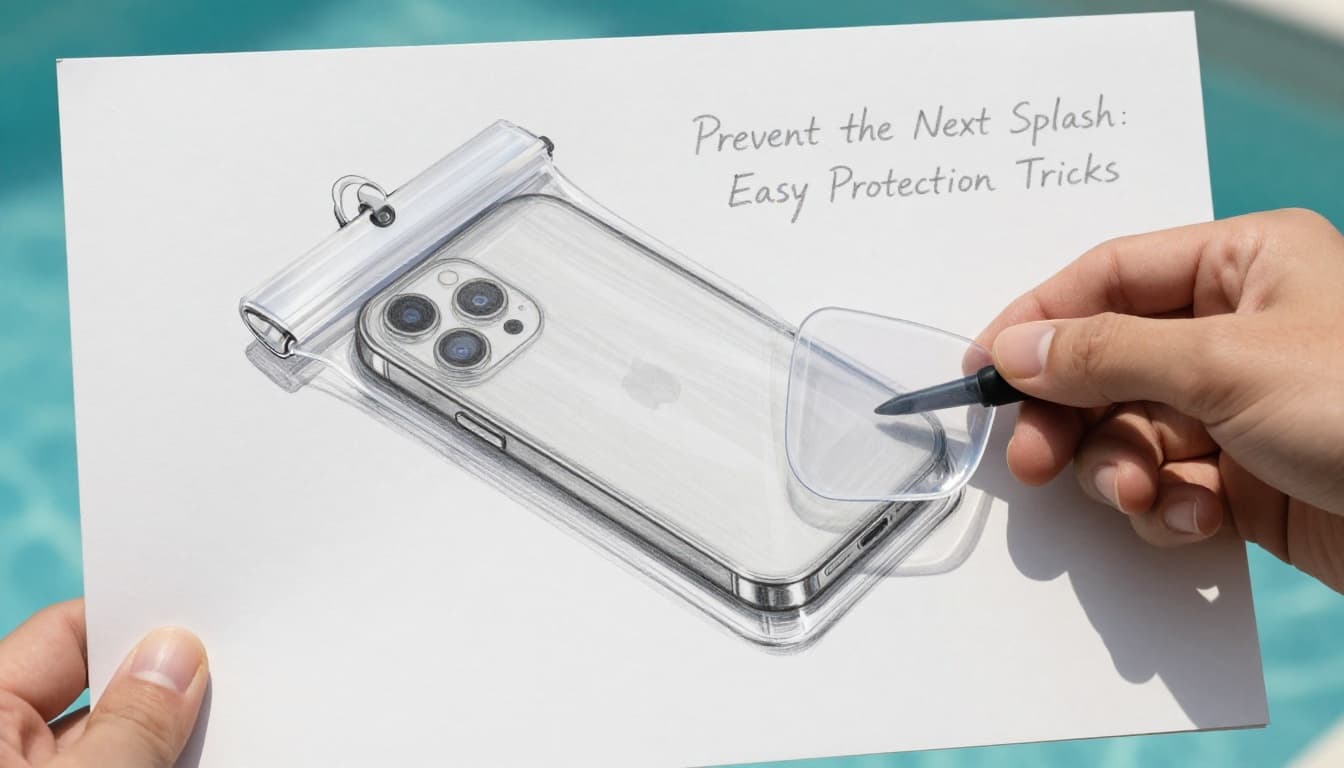
Routine checks matter. Inspect seals on newer phones. Add skins over ports.
These steps shield your tech daily.
Quick action powers down wet devices and sets up air drying. Skip myths like rice. Watch for red flags, then call pros. Protect ahead to avoid scares.
Your gadget stands a good chance. Share your spill story in comments. Check your manual now for model tips. Stay dry out there.