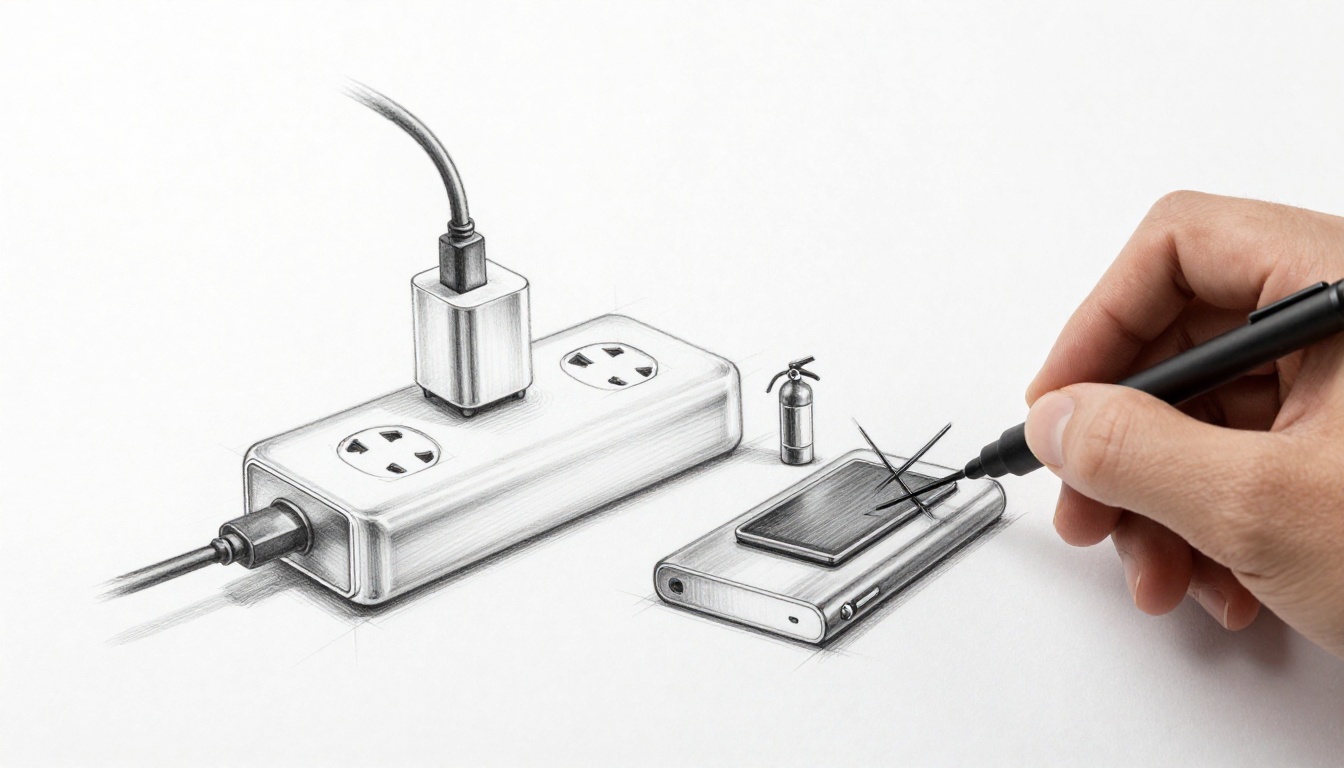
Imagine boarding a flight from Wichita to Seattle. Suddenly, smoke fills the cabin from a portable charger in a passenger’s bag. That’s what happened on Alaska Airlines in February 2026. Lithium-ion batteries power our phones, laptops, and power banks. They bring convenience but also risks like overheating, fires, and shocks.
You charge gadgets daily at home, work, or on trips. Frayed cables, cheap knockoffs, and bad habits turn them dangerous. Overloaded outlets or blocked vents spark trouble. In the US, lithium battery fires hit record highs in 2025 and keep rising in 2026.
This guide shares simple steps. You’ll learn risks, smart buys, daily habits, and fixes. Follow them to keep your family safe.
Spot the Top Risks That Turn Chargers into Hazards
Chargers and gadgets seem harmless. Yet they cause hundreds of fires yearly. The FAA logged over 620 lithium battery incidents on US flights from 2006 to 2025. Numbers climb because we pack more devices.
Common problems include thermal runaway, damaged wires, and poor storage. These lead to smoke, flames, or explosions. Firefighters fight these blazes longer than regular ones. They release toxic gases too.
Here’s what to watch:
- Overheating from overcharge or punctures. Heat builds fast inside batteries.
- Frayed or wet cables. They cause shocks or shorts.
- Blocked vents on soft surfaces. Heat traps and ignites fabrics.
- Cheap fakes without safety tests. No protection against failures.
- Power banks in tight spaces. Like plane bins, they spread fire quick.
Spot these early. Then you avoid most dangers.
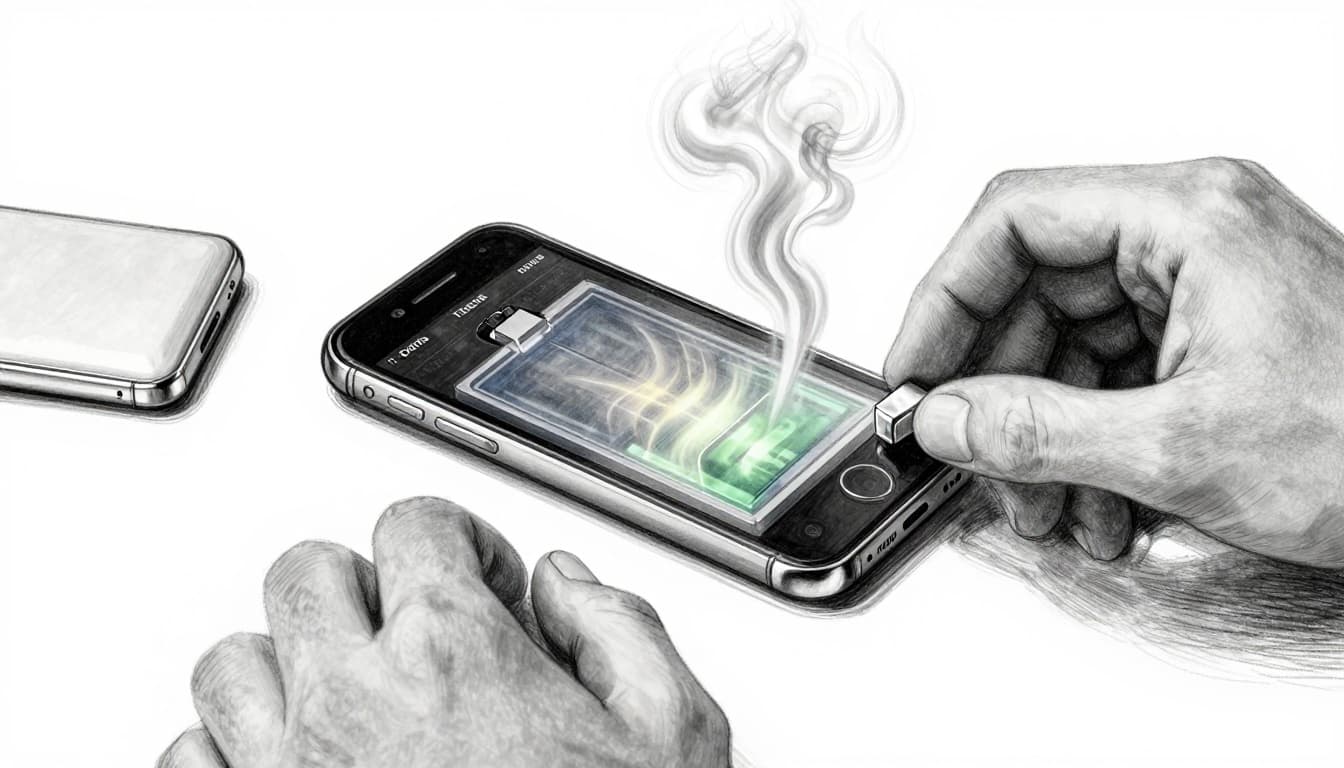
Overheating and Thermal Runaway in Batteries
Thermal runaway starts small. A battery gets punctured, overcharged, or too hot. Inside, chemicals react fast. Temperature shoots past 500°C. Smoke pours out, then flames.
Phones, laptops, and tablets hold these batteries. Charge on a bed, and fabric catches fire easy. Fire departments warn against it. One spark ignites couches or pillows.
In 2026, waste sites saw 448 such fires in 2025 alone. That’s a record. Damaged cells chain-react. For more on this process, check lithium-ion battery thermal runaway risks.
Frayed Cables and Knockoff Charger Dangers
Look close at your cables. Bent plugs, exposed wires, or swelling mean trouble. Water near them shocks you. Shorts fry devices or start fires.
Knockoffs skip lab tests. They overheat or explode. Real brands pass strict checks. Fakes don’t.
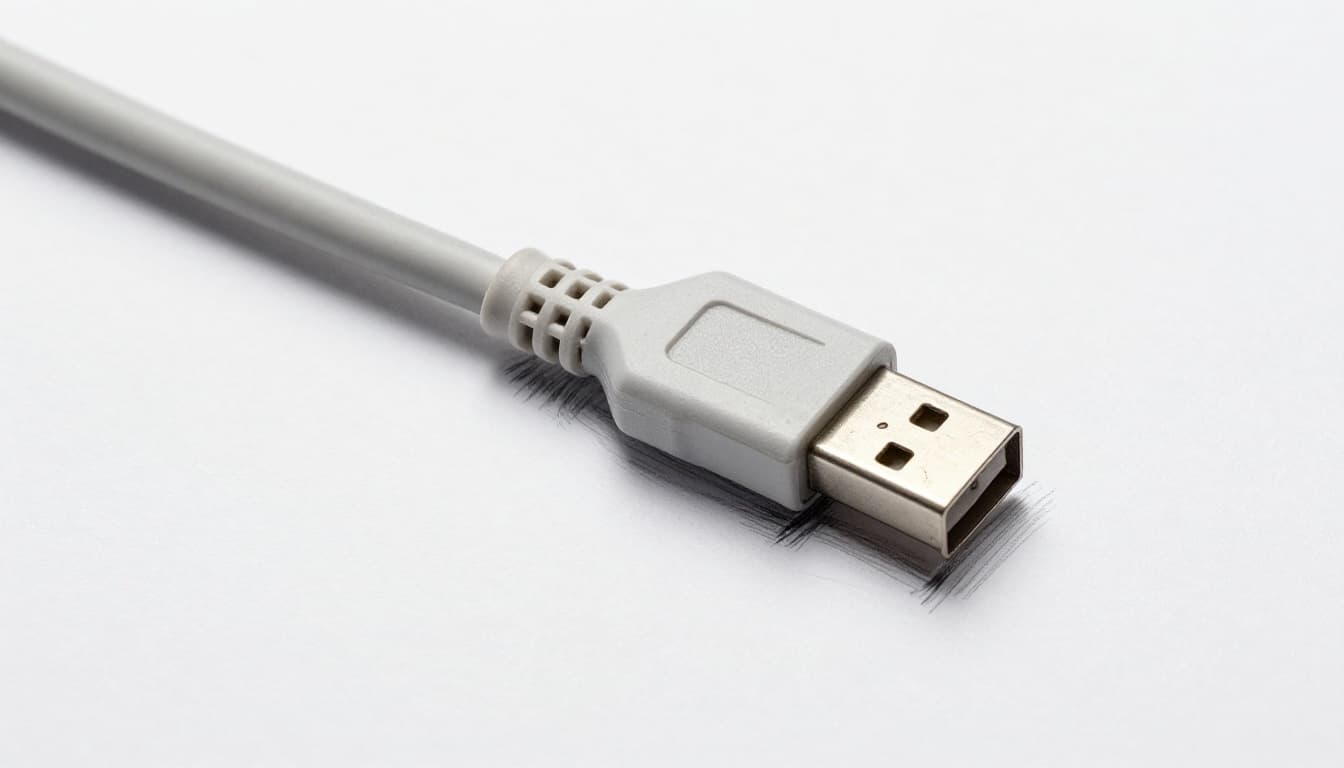
Visual checks spot 90% of issues. Toss damaged ones right away.
Power Bank and Travel Fire Alerts
Power banks pack energy. In planes, they spark fast. Alaska Airlines handled one in 2026. Crew acted quick because it stayed in sight.
New York requires red tags on e-bike chargers since January 2026. They warn: unplug when done. Fires from these killed dozens lately.
Hotels ban unattended charging now. Planes tightened rules after 2025 scares. Keep banks visible always.
Pick and Check Gear That Won’t Let You Down
Buy smart first. Original Apple or Samsung chargers match your device. They handle voltage and amps right. Third-party ones often fail.
UL certification proves lab tests for fire and shock resistance. Look for the mark. It covers power banks under UL 2056 standards.
Surge protectors help. Skip daisy-chaining outlets. That overloads circuits.
Hunt for UL Marks and Original Brands
UL marks sit on plugs or boxes. They mean tested safe. Fakes copy looks but skip checks.
Compare: real ones list specs clear. Fakes feel cheap, heat fast.
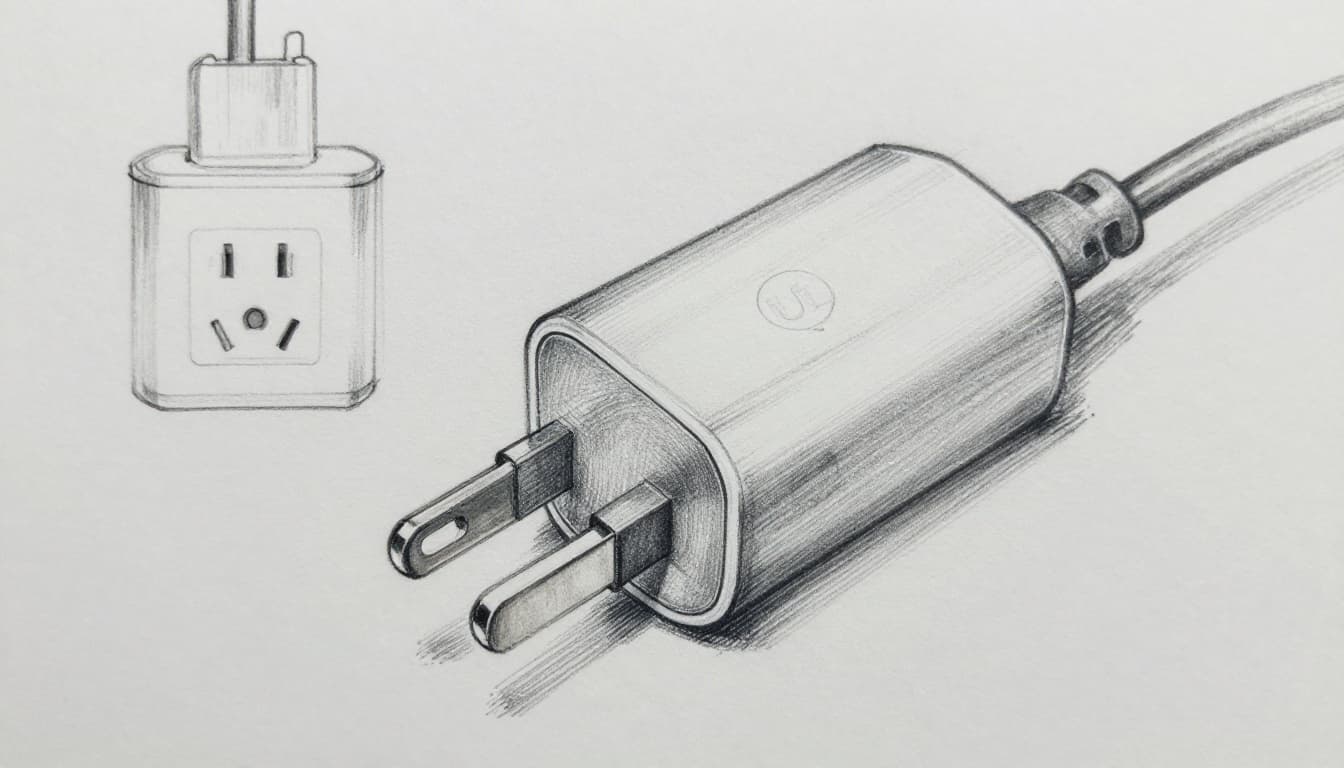
Stick to brands with MFi for Apple gear. This cuts risks big time.
Daily Inspection Routine for Cables and Batteries
Check before each use. Feel for heat. Look for frays, bends, or bulges.
Store in cool, dry spots. Keep from kids and pets. Replace swollen batteries.
A quick routine saves hassle:
- Plug in, watch five minutes.
- Note smells or heat.
- Test on hard surfaces only.
Experts say this prevents most failures.
Build Habits That Keep Charging Fire-Free
Habits matter most. Charge on desks, not beds. Unplug at full. Watch always.
Clear vents on laptops. Use one outlet per charger. Smoke alarms nearby add peace.
FAA and fire tips stress visibility. No overnight charges.
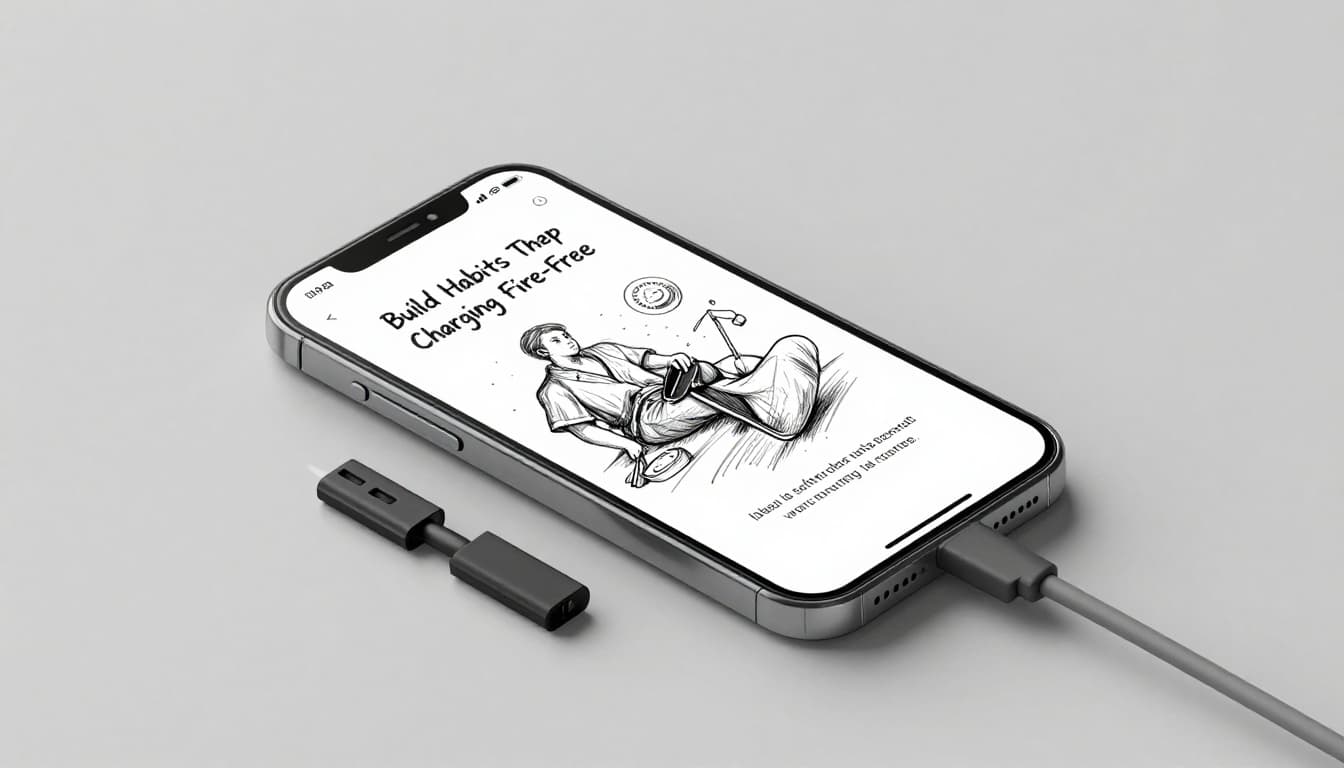
Follow these, and fires drop near zero.
Best Spots and Times to Charge Your Gadgets
Pick open, cool desks. Avoid sun, heat, or water. Charge daytime, supervised.
Unplug at 100%. No pillows or blankets trap heat. For details on fire prevention, see how batteries catch fire.
Laptops need space around fans.
Power Bank Rules for Planes and Travel
Pack smart for flights. Carry-on only. No checked bags.
FAA/TSA limits spare batteries:
| Capacity | Carry-On? | Notes |
|---|---|---|
| Under 100Wh | Yes, unlimited | Most fit here. |
| 100-160Wh | Yes, max 2 | Airline approval first. |
| Over 160Wh | No | Banned. |
Tape terminals. Use cases. Keep under seat, not overhead. Recent UN rules cap at two per person. Check FAA power bank rules.
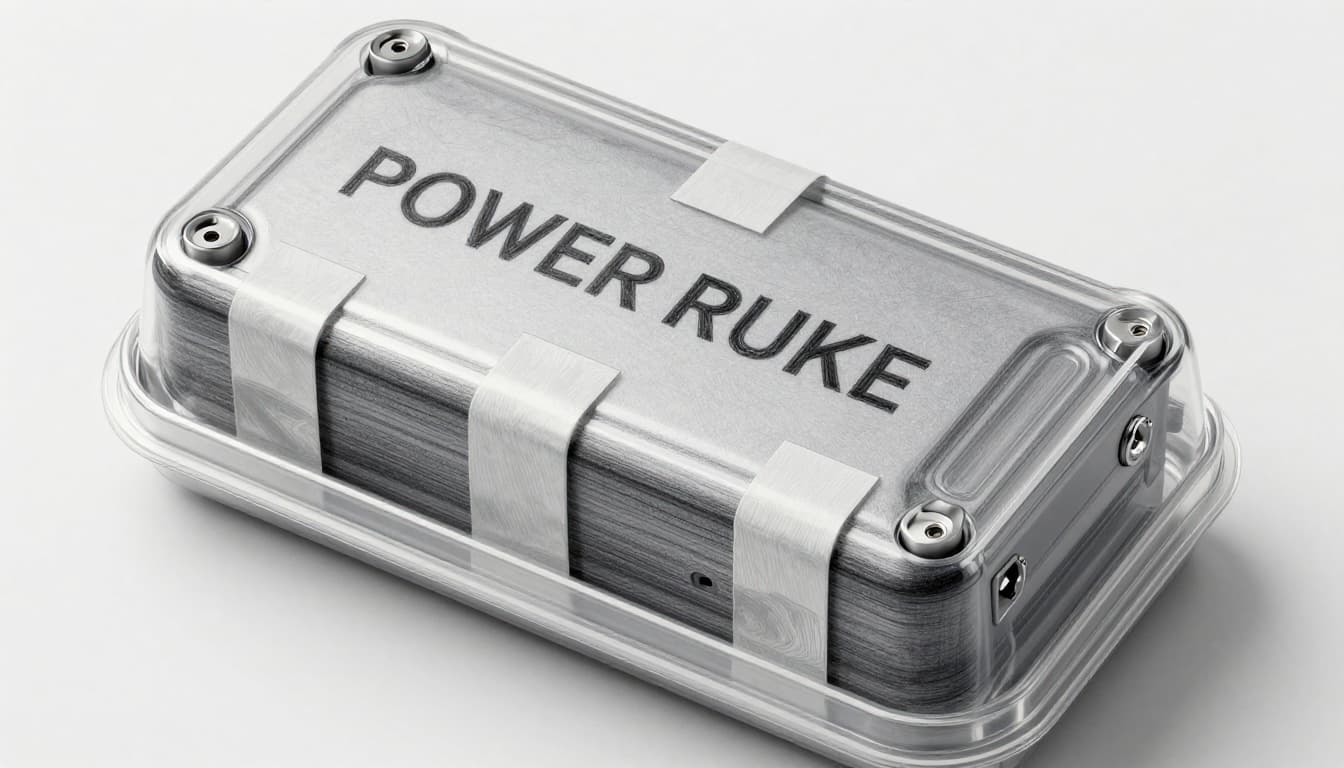
No mid-flight charging on many airlines.
Handle Problems Fast and Care for the Long Haul
Spot heat or swelling? Stop use now. Unplug. Let cool.
Replace damaged gear. Recycle batteries at stores, don’t trash them. They spark in landfills.
Long-term, store cool and dry. Use fireproof bags for travel. Surge protectors guard outlets.
No big recalls lately, but stay alert. Adopt these now for worry-free use.
Safe practices start with certified gear, quick checks, watched charging, and travel smarts. Check your setup today. Share tips with family.
Small changes prevent big disasters. Your gadgets stay reliable. Safe charging keeps everyone protected. What’s one habit you’ll start first?